-
Open BrokerBay
- Search for the listing you wish to create a showing for under the Brokerage tab
- On the top right, click Book Showing

- Under Step 1 - Select Agent, type in the name of the agent looking to book a showing and they will appear below. Click on their name.
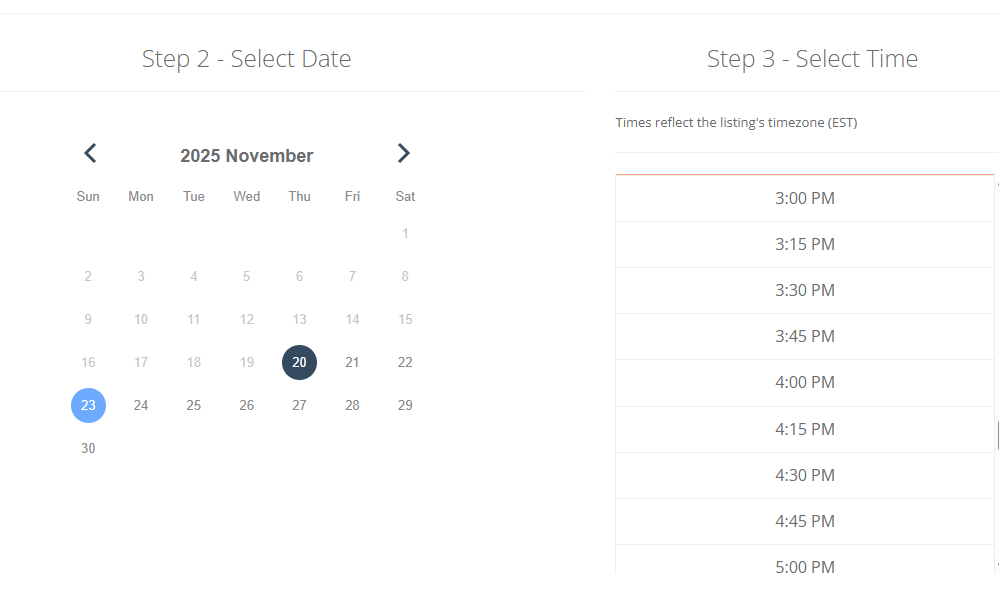
- Follow step 2 and 3 by inputting the date and time of the appointment.
- Click Book Showing at the top
English
![Untitled design (1)-4.png]](https://info.regoteam.com/hs-fs/hubfs/Untitled%20design%20(1)-4.png?height=40&name=Untitled%20design%20(1)-4.png)